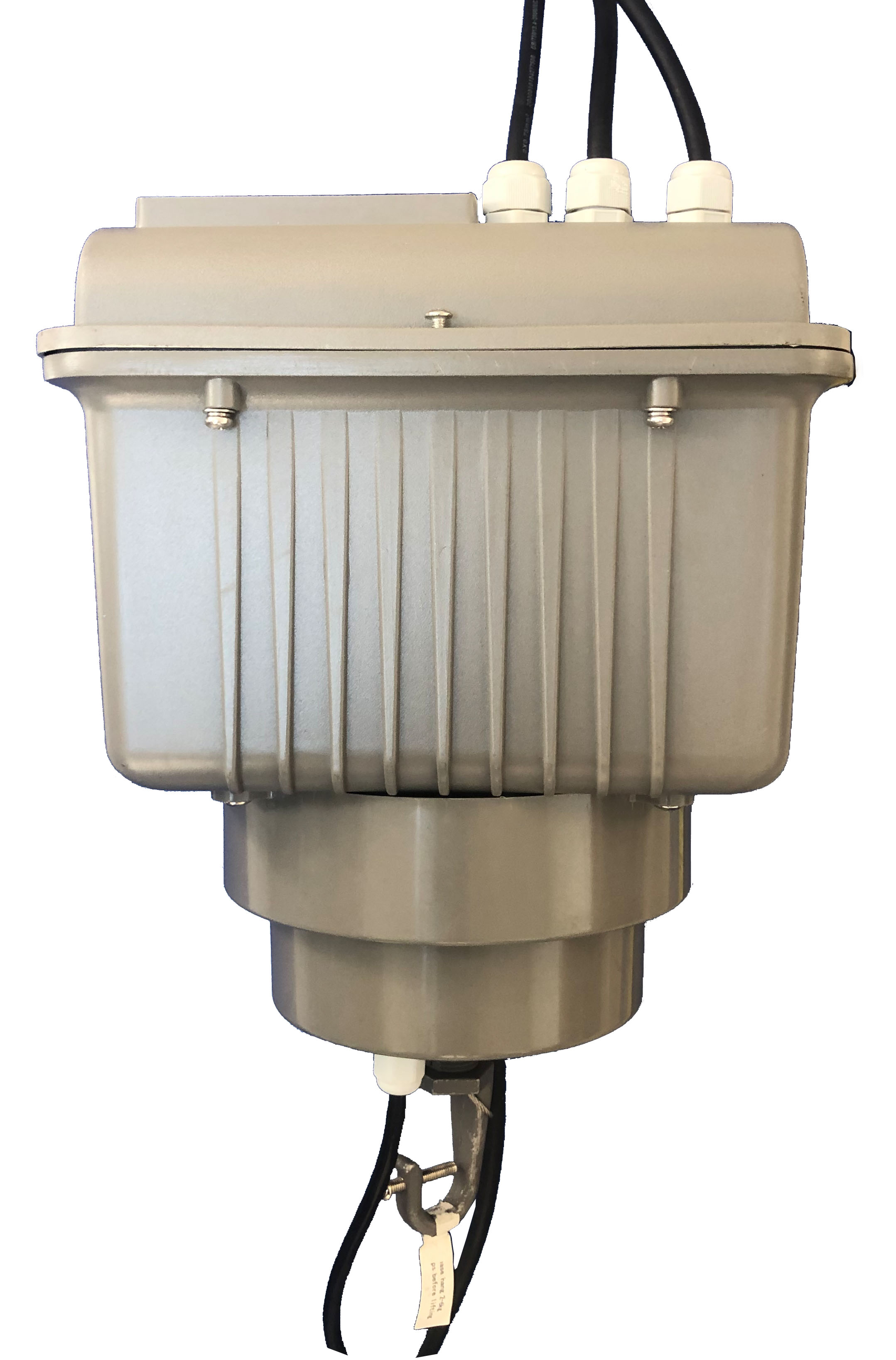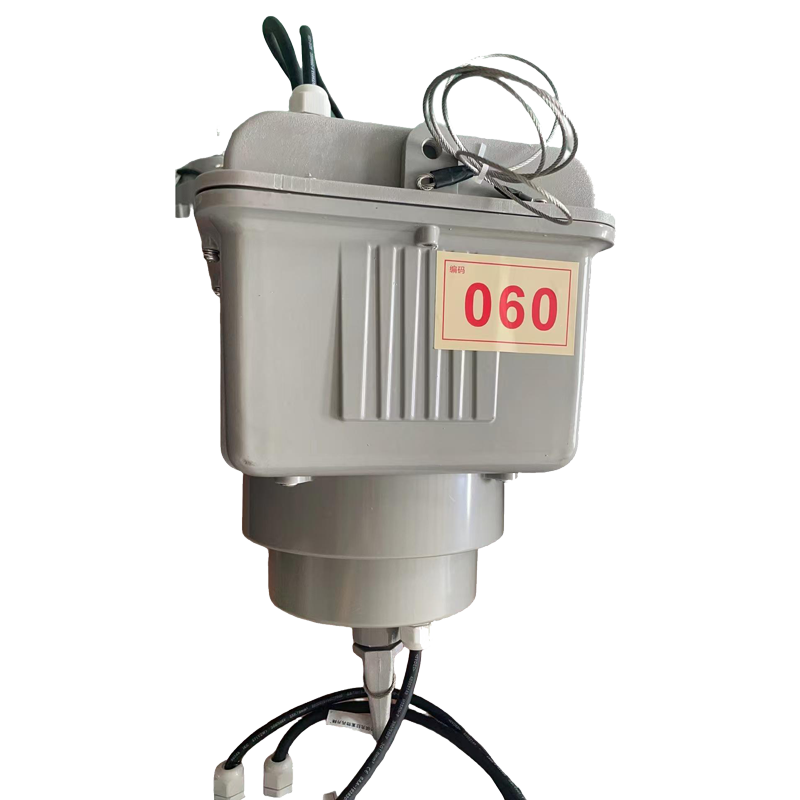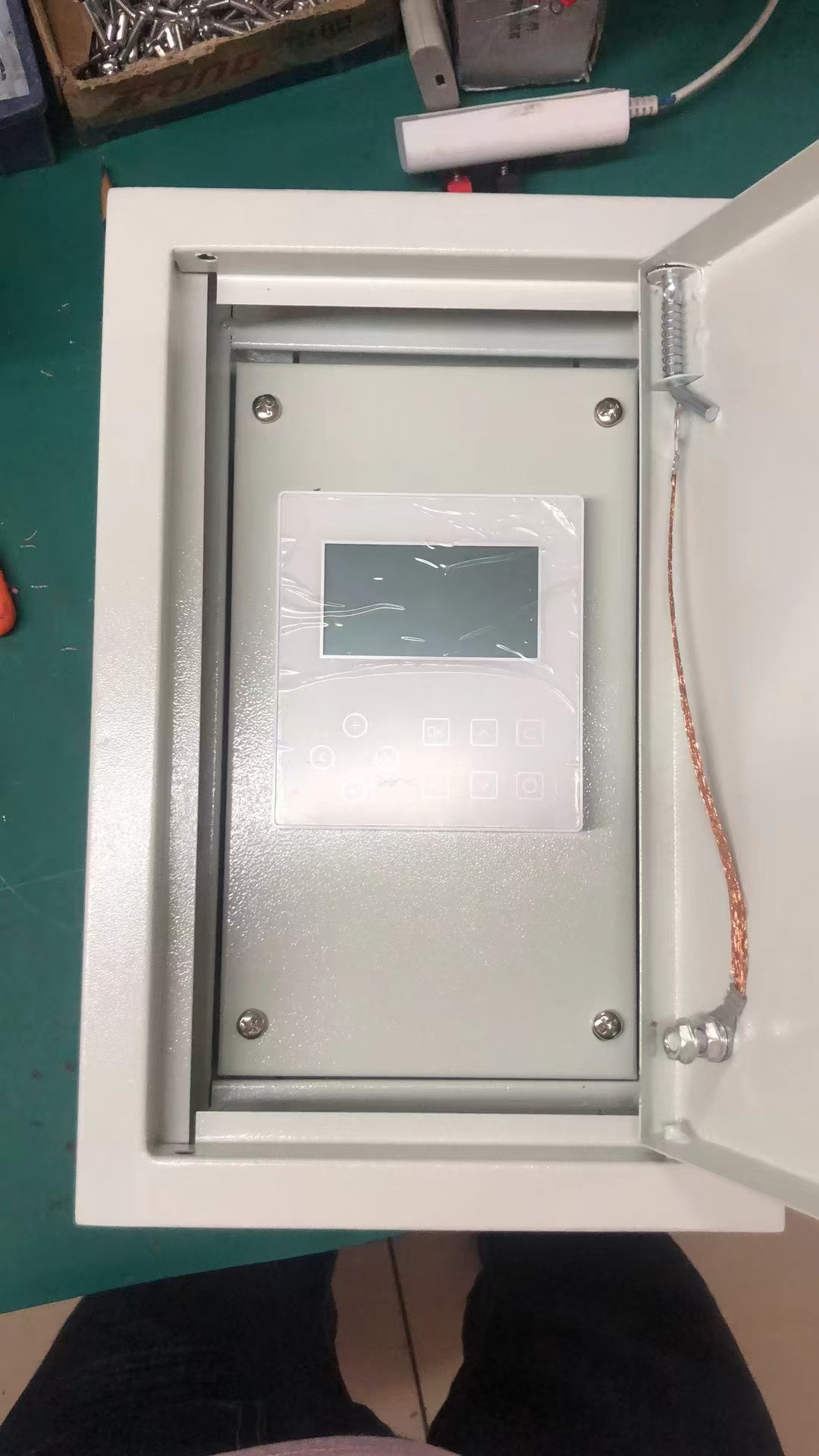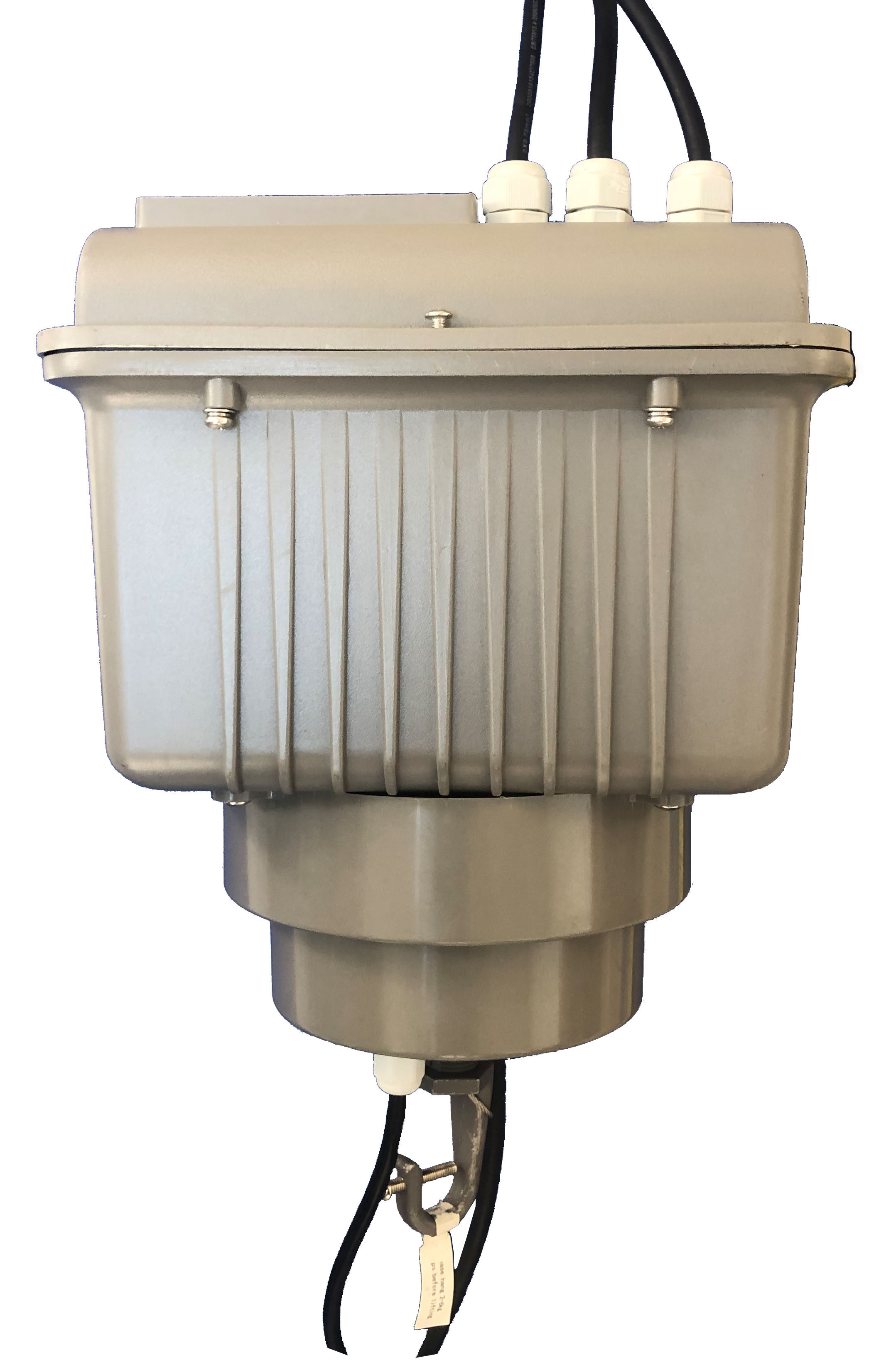
Usage Instructions
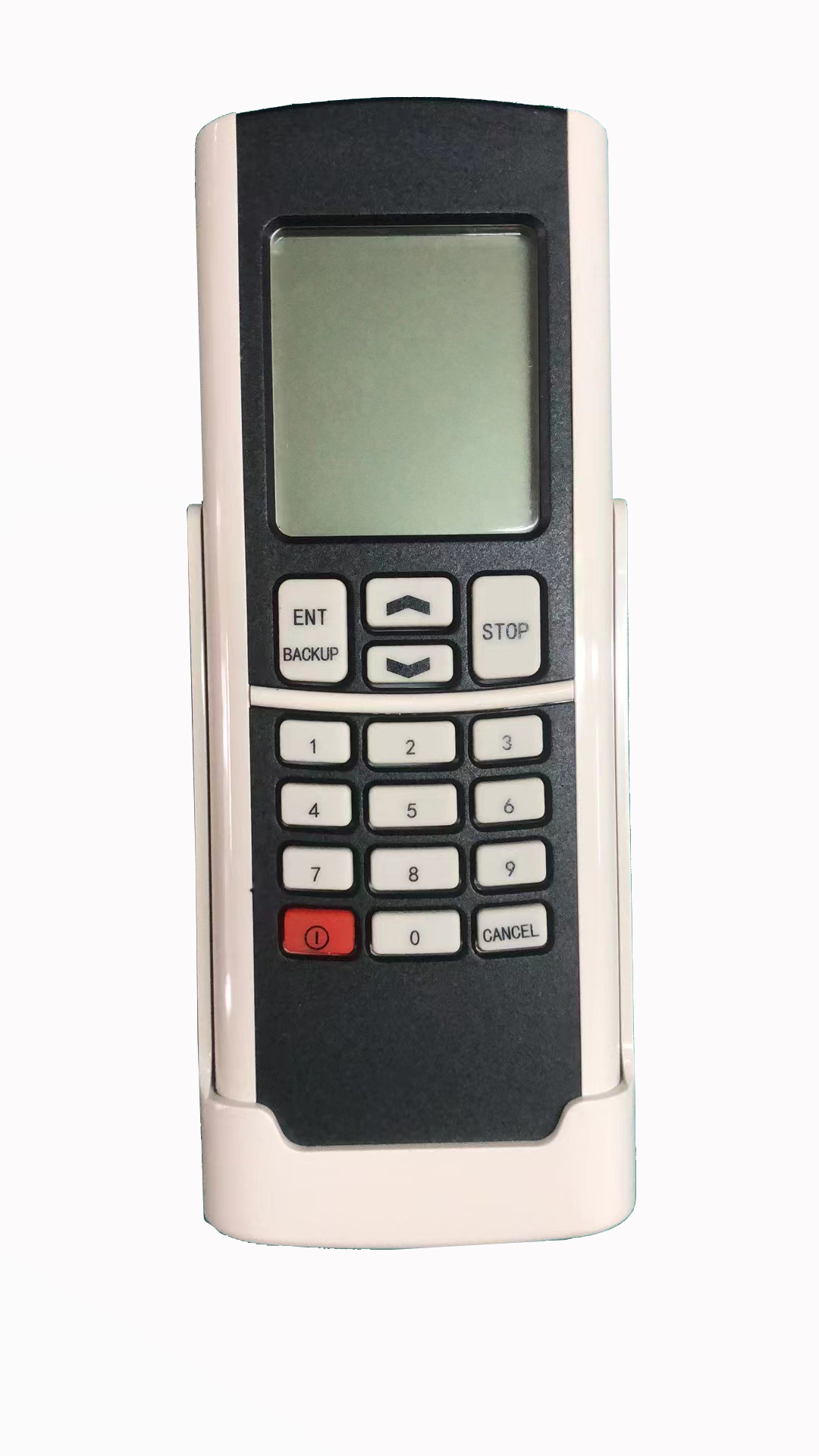
1) Open the rear cover at the bottom of the remote control and insert the batteries into the remote control. The battery model is: 2 x 7.
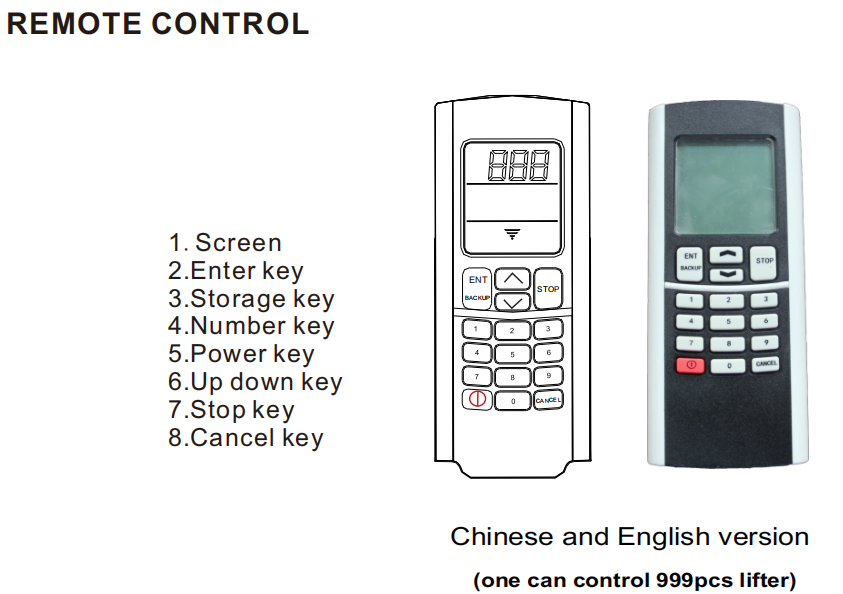
2) The screen displays the startup interface. Enter the corresponding number according to the code of this lifter. First, press the cancel button. When the numbers are flashing, press the confirm button to stop the flashing.
3) Press the downward key ↓ or the upward key ↑ to perform the corresponding operation on this lifter. If you want to stop the elevation, press the stop button to stop.
4) When storing the operation, drop the elevator to the required position at once and press the storage button to store. Next time During operation, when you press the downward key, the elevator will automa -tically stop at the storage position.
5) Other instructions: After stopping at the storage position, if you need to descend again, hold down the downward key for 3 seconds. For forced descent, after pressing the stop key, long press the cancel key for 5 seconds to clear the storage position.
6) When entering a new number, when the screen digits flash, enter the new number and press the confirm key to proceed with the operation.
7) After use, press the cancel key to cancel the current page. The device will automatically shut down after 5 minutes of standby.
8) When using again, press the power-on key for 5 seconds to turn on the device. The screen will display the power-on interface.
Notes for Attention
1) During operation, after descending, you need to press the stop button first, then press the up button to operate. Do not operate directly with the up button. Similarly, when ascending; do not operate directly with the down button.
2) When the screen of the remote control becomes dim, you should replace the battery in time to avoid poor reception during remote control.
3) During storage operation, only the top can be descended after pressing the stop button to ensure the storage is effective.
4) Please do not mix new and old, or different types of batteries.
5) When the remote control is not used for a long time, please remove the battery to prevent leakage and damage to the remote control.
Coding operation instructions
For example, the encoder of the lifter is coded as "010". Now, it is necessary to change the code to "021". The operation steps are as follows:
1) After powering on the elevator's lifting power supply, turn on the remote control;
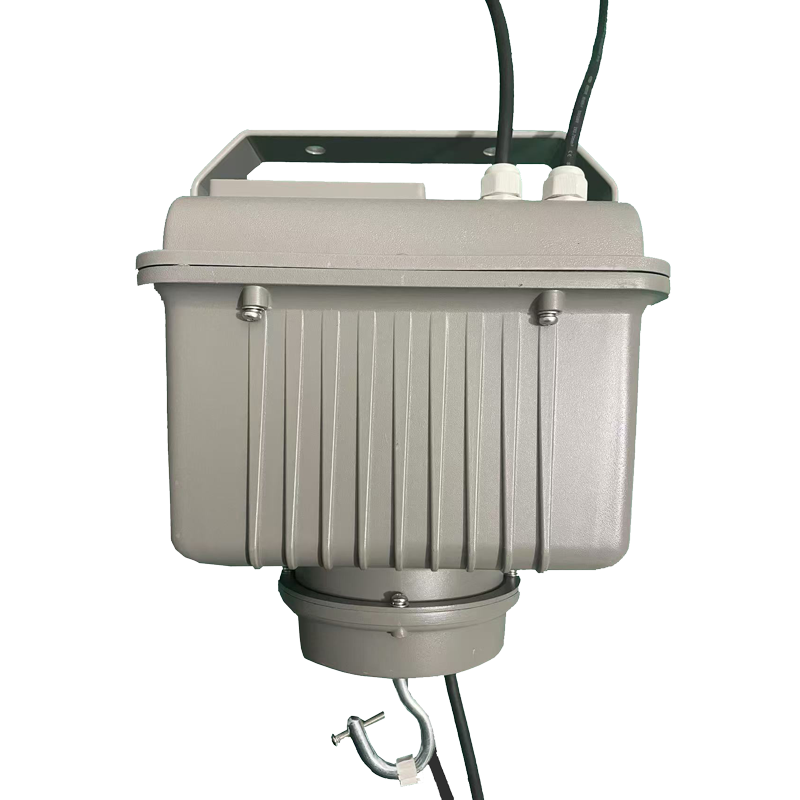
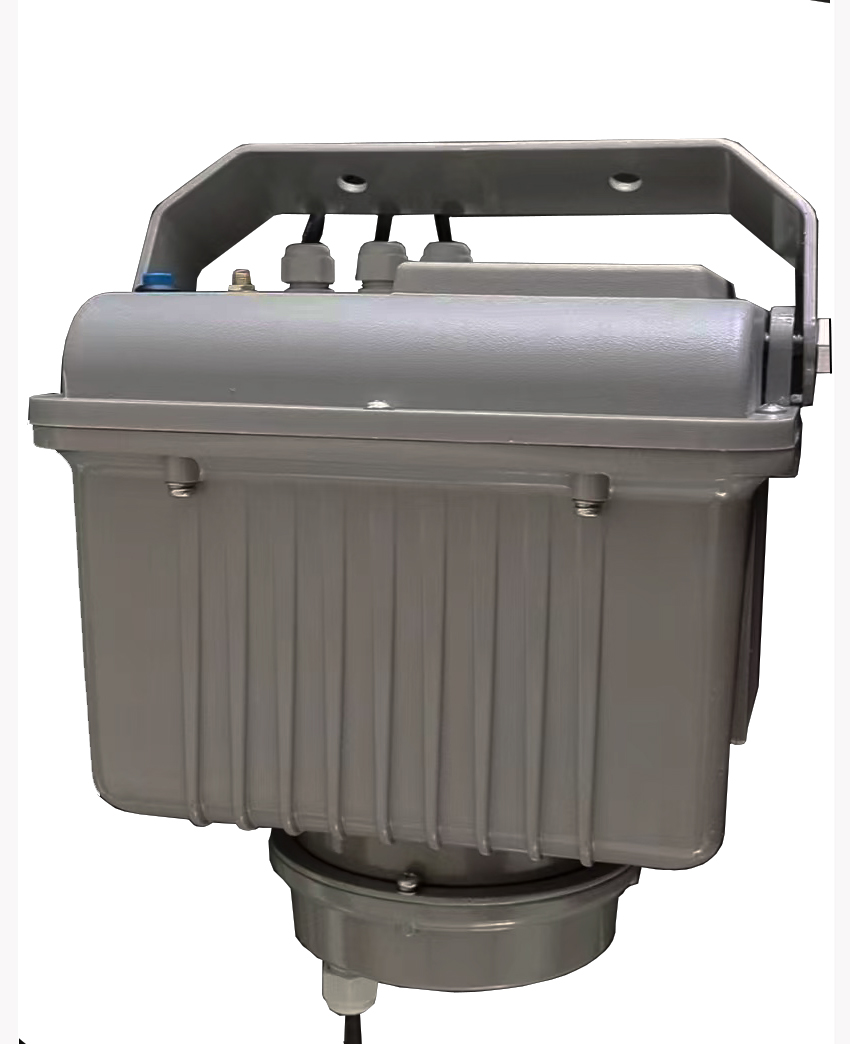
2) Press the "Cancel" button on the remote control, then hold down the encoder button (the blue circular one at the top), enter the "021" code using the remote control, then press the "Confirm Button", release the blue button of the lifter, and the product code change is completed.
3) When using the remote control again, after entering the "021" code, you can perform operations such as rising, lowering and stopping on the lifter.